Create new Application Keys
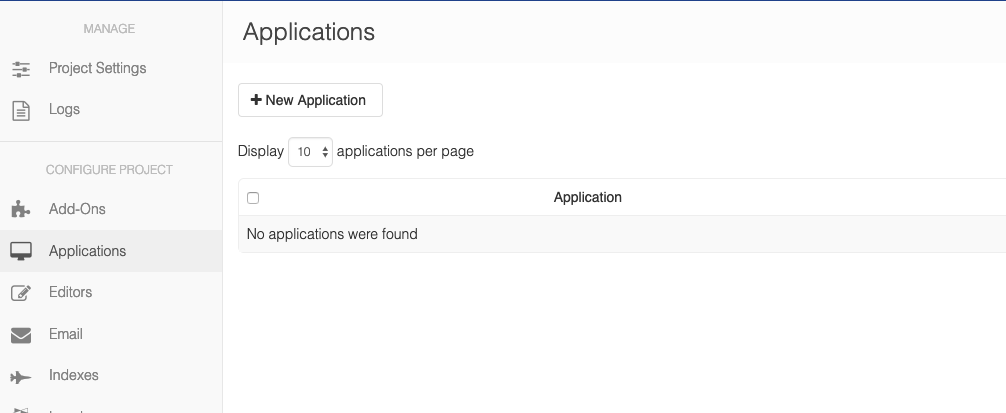
If no API keys exist for your desired project, you will need to create an application for the project. To create a new application simply go to Manage Project, select Applications, and then create a New Application.
Once the application has been created you can view the API Keys either under Manage Project -> API Keys, or, Manage Platform -> API Keys
Note: API keys should not be shared across more than one application. Therefore, create separate Cloud CMS applications to generate API Keys for each of your applications.
Refreshing your API Keys
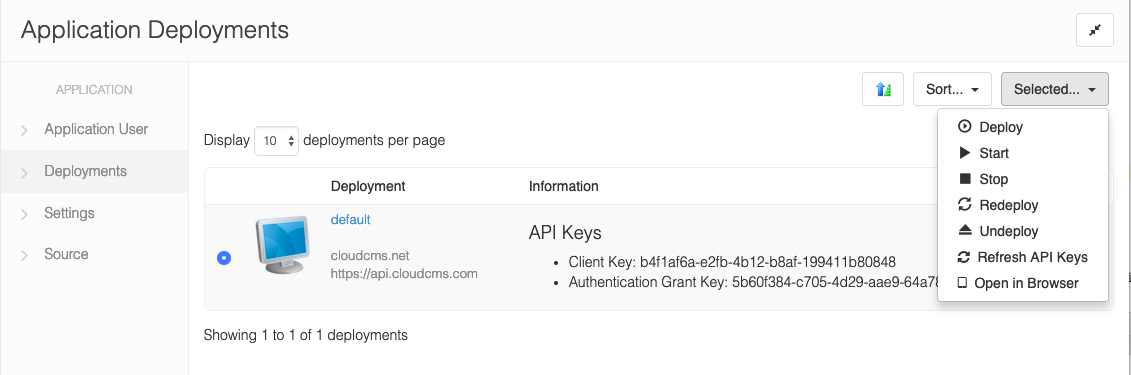
You can refresh your API keys: -> Manage Project -> Applications -> Select your application -> Refresh API Keys